
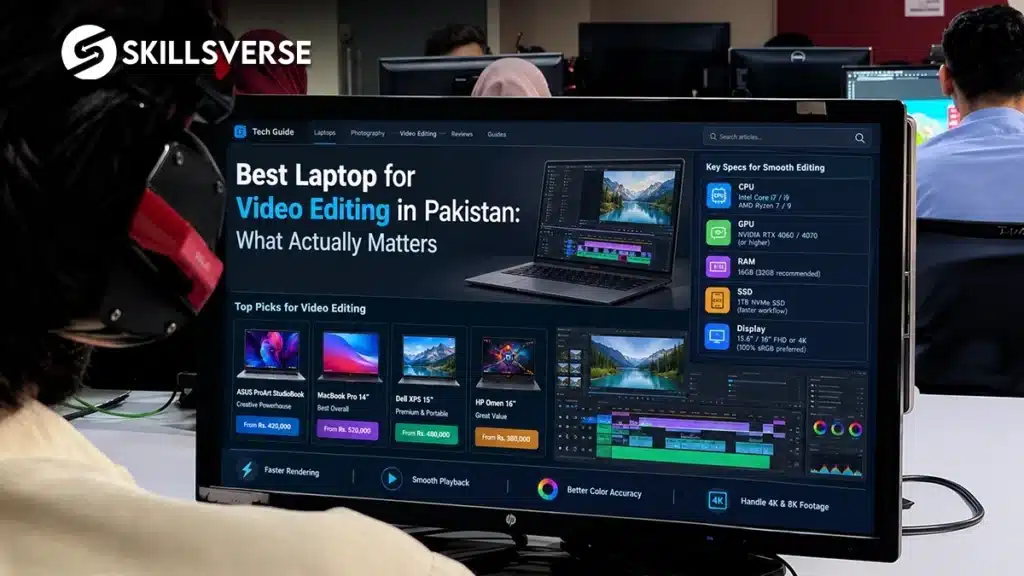
Walk into a laptop shop in Saddar and say you want to edit videos. You will be shown the most expensive machine on the shelf, usually with a graphics card you do not need and a screen you will barely notice.
Then you take it home, drop 4K footage on the timeline, and it still stutters.
Short answer: the best laptop for video editing in Pakistan is the one with 16 GB of RAM and an SSD. Those two decide whether editing feels smooth. A dedicated graphics card helps on export but is not the thing that fixes a stuttering timeline. And if you already own an 8 GB machine, a proxy workflow will get you through a full course without buying anything.
What the Best Laptop for Video Editing in Pakistan Actually Needs
Adobe’s published requirements for Premiere Pro list 8 GB of RAM as the minimum and 16 GB as recommended for HD work, with more for 4K. That single line tells you where the money should go.
Here is how the parts actually rank for editing, in order of how much you will feel them.
| Part | How much it matters | What to aim for |
|---|---|---|
| RAM | Most | 16 GB. This is the upgrade you feel every day |
| Storage | Very high | SSD, not a mechanical drive. No exceptions |
| Processor | High | A recent mid-range chip is enough |
| Graphics card | Moderate | Helps export and effects. Nice, not essential |
| Screen | Low | You can cut on a 14 inch display |
| Brand | None | It does not affect your timeline |
Most shopping advice online is written by people selling laptops, so it leads with the processor and the graphics card, because those are what the price tag is built on. In practice, a student with 16 GB and an SSD will finish a project faster than a student with 8 GB and a better processor.
If You Already Have an 8 GB Laptop, Read This First
This is the part almost nobody teaches, and it saves students from spending money they do not need to spend.
A proxy is a small, light copy of your footage. The timeline plays the proxy instead of the heavy original file, so playback stays smooth on a modest machine. At export, Premiere automatically swaps the full quality files back in. The finished video is identical.
Setting it up takes about a minute. Select your clips in the project panel, right click, choose Proxy, then Create Proxies, and generate them at quarter resolution. Turn proxies on in the program monitor and cut as normal.
Students who know this finish their projects on the laptop they already own. What a course should cover beyond the machine is set out in what you really learn in a video editing course in Rawalpindi. Students who do not know it conclude their machine is broken and start saving for a new one.
Buying Used: What to Check
A used business laptop with 16 GB often beats a new budget machine with 8 GB. Plenty of our students work on exactly that. What to check before you hand over money:
- Open the system information and confirm the RAM. Sellers round up.
- Confirm the drive is an SSD, not a hard disk. This is the single most common disappointment.
- Check whether RAM is upgradeable, because many thin laptops have it soldered on.
- Run the fans hard for ten minutes before buying. Overheating shows up under load, not on the desk.
- Check the battery health, though for editing you will be plugged in most of the time anyway.
What Not to Spend On
A gaming laptop. The graphics card is tuned for frame rates, not editing. You pay for lights and a heavier body.
A huge screen. You will connect an external monitor eventually, and that is cheaper than carrying a 17 inch machine around Rawalpindi.
The newest model. Last year’s version with more RAM is the better buy almost every time.
Storage you will not use internally. An external drive for footage is cheaper and keeps your system drive free, which matters more for speed.
Best Laptop for Video Editing in Pakistan: Frequently Asked Questions
Can I learn video editing on an 8 GB laptop?
Yes, with proxies. Our students do it every batch. If most of your work is short vertical video, CapCut vs Premiere Pro is worth reading too, because the lighter tool asks far less of the machine. You will want 16 GB eventually, but it is not a reason to delay starting.
Is a MacBook necessary for video editing?
No. It is a good machine and plenty of editors use one, but nothing in the local market requires it. Clients care about the finished file, not what produced it.
Do I need a laptop to join a course at SkillsVerse?
No. Practice happens on campus systems during class. A machine at home speeds you up, but you can start without one.
Does a graphics card speed up editing?
It helps with export times and with effects and colour work. It does not fix a timeline that stutters because of low RAM, which is what most people are actually trying to solve.
Why Students Choose SkillsVerse for Video Editing
We run our classes in person at the Satellite Town campus in Rawalpindi, with one named instructor rather than a rotating panel. Unity Films works from the same building, so the projects students practise on are the same kind going out to real clients. And workflow questions like proxies are taught in the first week, because they are what stop people from finishing their work.
You are welcome to come and see the setup before deciding anything.
Final Thoughts
Spend on RAM and an SSD. Ignore almost everything else on the spec sheet until those two are sorted.
And if you already own a machine, learn proxies before you learn to shop. Then follow the sequence in how to become a video editor in Pakistan. Most of the laptops people replace were never the problem.
See the full syllabus. The Video Editing course page has the week by week outline.
Want to see a class first? Message SkillsVerse on WhatsApp and we will arrange a demo session at the Satellite Town campus.
Timings and the next batch. Get in touch here and we will send you the current details.
We post editing tips and student work on Instagram at @skillsverse.pk and on our Facebook page.
About the Author
Mr. Hasnain teaches the video editing course at SkillsVerse, Satellite Town, Rawalpindi. He has four years of professional editing experience on live client projects at Unity Films, most of it on machines far more ordinary than the ones laptop shops recommend.